
How Luxxe eSims works
Get mobile data abroad in three steps. There is no SIM card to swap, no shop to find at the airport, and your own number stays on your phone.
See USA plans | See Europe plans
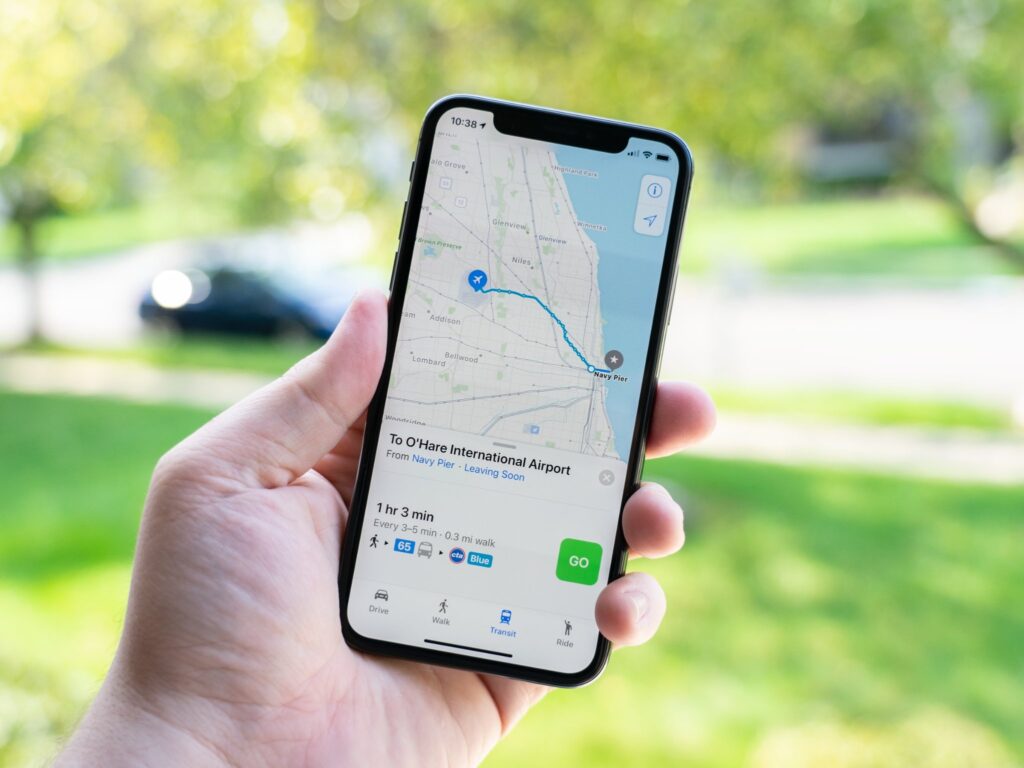
Three simple steps.
1. Choose your plan
Pick your destination, then choose fixed data or unlimited data for the number of days you need. Every price is shown in US dollars before you pay.
2. Get your QR code by email
Pay securely by card, Apple Pay or Google Pay. Your eSIM QR code arrives by email within seconds, with written installation steps and a PDF guide.
3. Install before you fly, connect when you land
Install the eSIM at home over Wi-Fi by scanning the QR code. When you arrive, switch your mobile data to your Luxxe eSIM and turn on data roaming for that line.
Before you buy
Check your phone first.
- Supports eSIM
Your phone needs to support eSIM. A quick test: dial *#06#. If an EID number appears, your phone supports eSIM. You can also check our list of eSIM compatible devices.
- Unlocked
Your phone must be unlocked, meaning it is not tied to one network. Your network provider can confirm this for you.
- Your number stays on
Your usual SIM stays in your phone, so your own number keeps working for calls and texts. Your home provider’s charges may apply to those. Apps such as WhatsApp and FaceTime work over your Luxxe data.
When you land
Turn on data roaming.
Switch your mobile data to your Luxxe eSIM and turn on data roaming for that line. Your eSIM will not connect until data roaming is on. Your plan’s days start only when the eSIM first connects at your destination.
Good to know
Please don't delete your eSIM.
Most eSIMs cannot be reinstalled once they are deleted. If anything is not working, email support@luxxesims.com before you remove it. A real person replies within 24 hours.

Frequently asked questions
- When should I install my eSIM?
At home, before you travel, while connected to Wi-Fi. Your plan’s days start only when the eSIM first connects at your destination, so installing early does not use up your plan.
- Does an eSIM replace my phone plan?
No. The eSIM is added alongside your usual SIM, so your own number keeps working for calls and texts. You choose which line your phone uses for data.
- What if my phone is not eSIM compatible?
If your phone does not support eSIM, or is locked to one network, you cannot use Luxxe eSims plans. Check our eSIM compatible devices list before you buy. We do not offer physical SIM cards at the moment.
- How do I pay?
Securely by card, Apple Pay or Google Pay. Every price is shown in US dollars before you pay.
- Can I reinstall my eSIM if I delete it?
Usually not. Most eSIMs cannot be reinstalled once they are deleted, and each QR code can be installed only once. If anything is not working, contact us before you remove it.
- What if my eSIM does not work?
Email support@luxxesims.com and a real person replies within 24 hours. If a technical issue stops your eSIM working, you get a full refund. Read our refund policy.